Sending Encrypted Emails
Microsoft Exchange
Microsoft Exchange provides built-in email encryption that uses end-to-end encryption to protect your sensitive communications. When you include secure or encrypt in the subject line, Exchange automatically encrypts the message and its attachments before sending.
How It Works
Microsoft Exchange encryption uses industry-standard encryption protocols to ensure that your emails are protected both in transit and at rest. The encryption process:
- Encrypts the message content - All text, attachments, and metadata are encrypted using strong encryption algorithms
- Protects in transit - The encrypted message is securely transmitted over the internet
- End-to-end security - Only the intended recipient with proper authentication can decrypt and read the message
- Automatic decryption - Recipients using Microsoft 365 or Outlook can automatically decrypt and view the message without additional steps
This method is ideal for sending sensitive information, financial data, or confidential documents that require protection from unauthorized access.
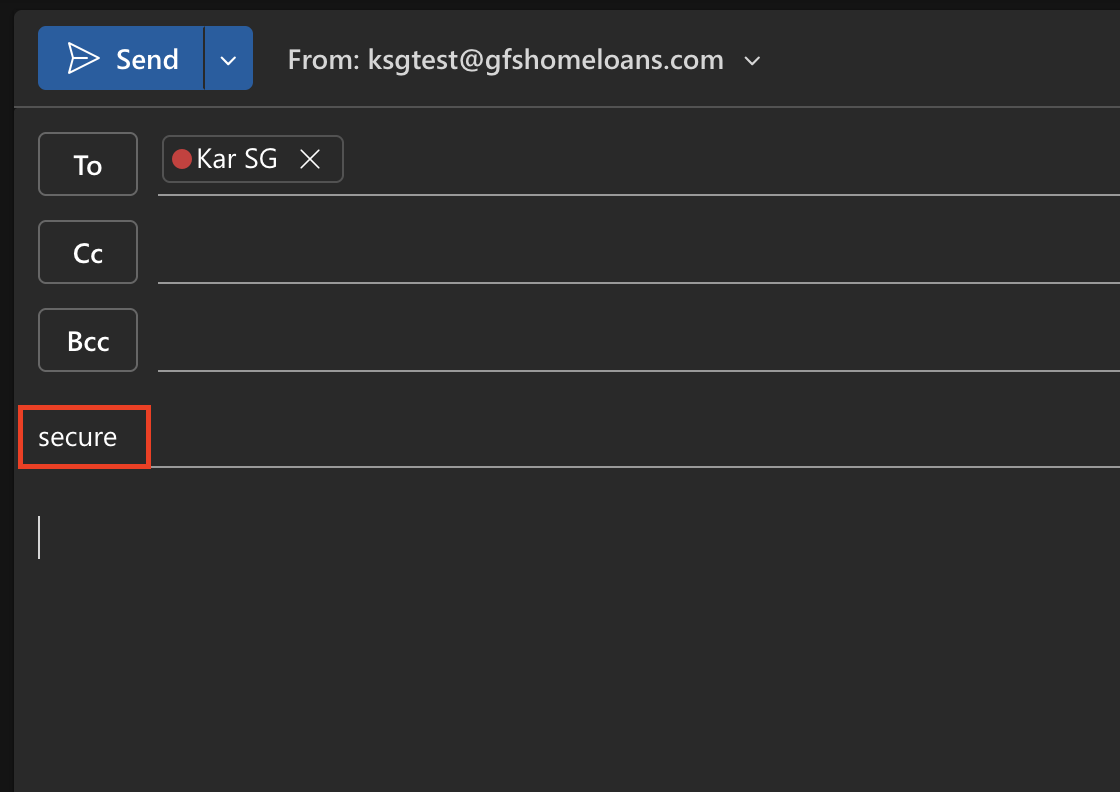
- Include these words in the message subject: 'secure' or 'encrypt'
- 35MB sending limit
Document Guardian
Document Guardian is a secure file transfer and encryption service designed for sharing sensitive documents and large files. It provides an additional layer of security beyond standard email encryption and is particularly useful when you need to send files that exceed email size limits.
Key Features
- Large file support - Send files and attachments that are too large for standard email (no 35MB limit)
- Secure file transfer - All files are encrypted during upload, storage, and download
- Access control - Set expiration dates, password protection, and download limits for shared files
- Audit trail - Track when files are accessed and downloaded by recipients
- Easy access - Recipients can securely download files through a web portal without needing special software
- Automatic encryption - Files are automatically encrypted using enterprise-grade security protocols
Document Guardian is ideal for sharing large documents, multiple files, or when you need additional security controls like expiration dates or download tracking. The service maintains the same high level of encryption and security as Microsoft Exchange, with added flexibility for larger file transfers.
gfs.documentguardian.com
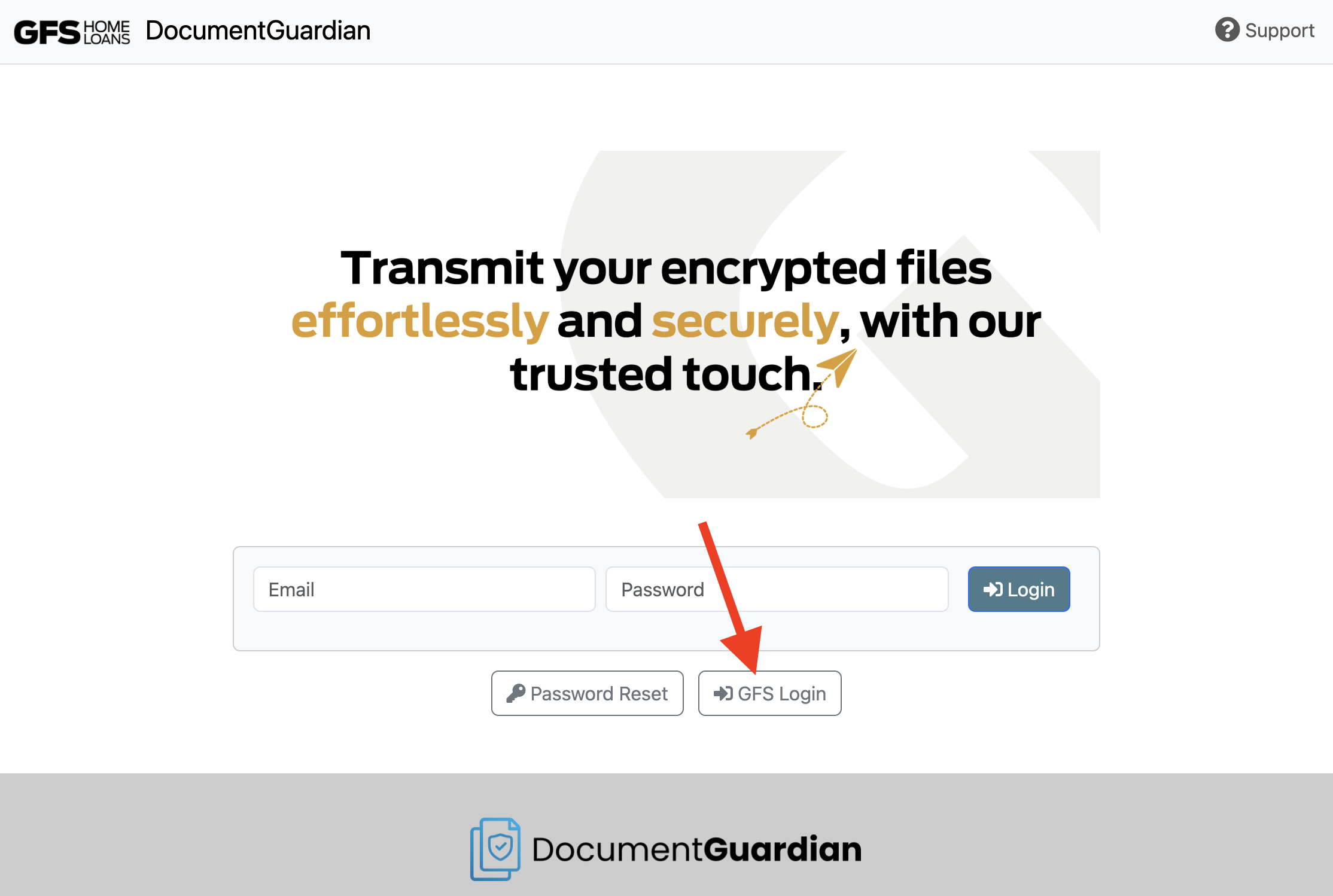
- Click on GFS Login No need to enter a Email or Password.
- Best for sending large attachments
Receiving files via Document Guardian
Once your Document Guardian account is set up, anyone can send you encrypted files by using the "Send Files Securely" link in your email signature. Recipients click the link to upload files; you receive a secure notification and access the files through Document Guardian.