Clearing Edge Browser Cache
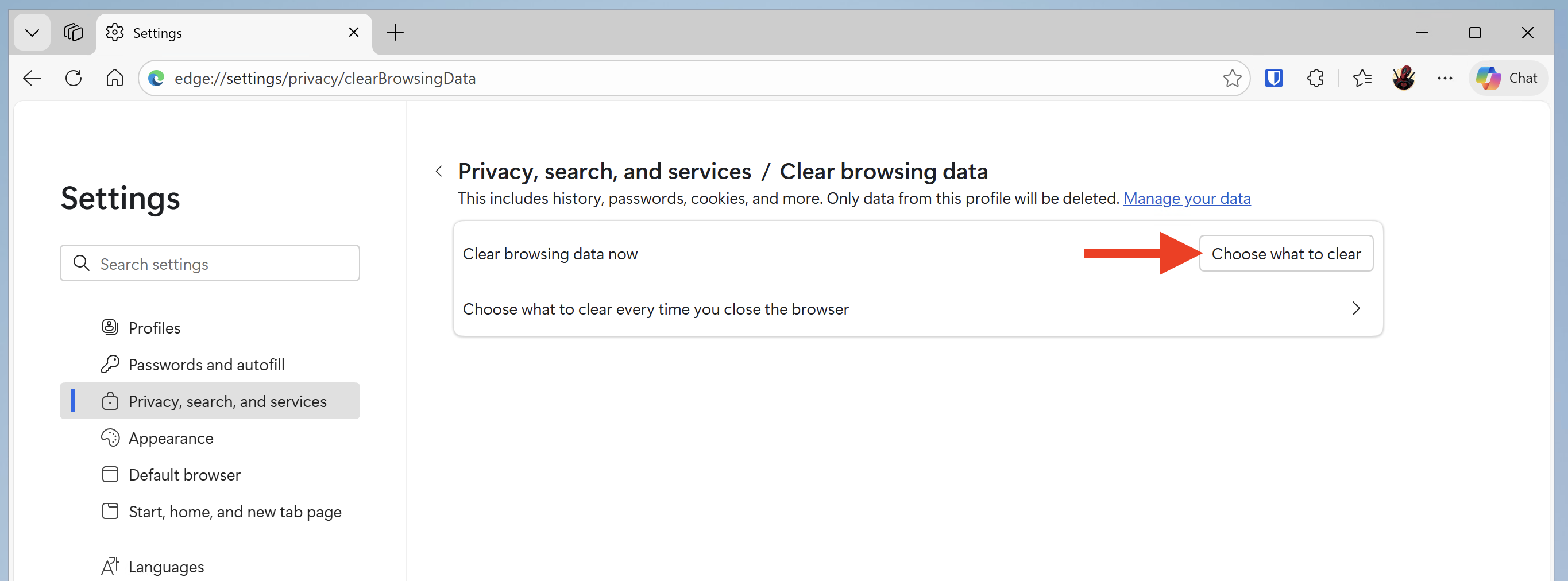
- Go to the three-dot menu in the upper-right corner and select Settings → Privacy, search and services.
- In the fly-out menu, click the button under Delete browsing data that reads "Choose what to clear."
- Some boxes will be checked for you — you can accept as is or adjust as needed.
- You can also choose to clear the history when you close the browser by moving the button to On.
Direct link: edge://settings/privacy/clearBrowsingData